
 New Infolinks infograph explaining tech life of Mad man and women. Check out this epic yet true and amazing infograph below and see how the value and idea od modern man in this mad techy world has changed over time

Tips & Trick | Free Templates for Blogger

BlueSense template is high quality adsense theme...

ProSense Originally created by created by Dosh Dosh and...

Yalene is a free blogger template adapted from WordPress with 3 columns, right sidebar, magazine...

TechMore is a free blogger template adapted from WordPress with 2 columns, right sidebar, magazine...
New Infolinks infograph explaining tech life of Mad man and women. Check out this epic yet true and amazing infograph below and see how the value and idea od modern man in this mad techy world has changed over time
 A very nice infograph by infolinks showing typical thoughts and works of blogger. Check out this epic work.
 Under all this new blogger updates, one of the cool update I think is easier system of nofollow link. You can learn more about nofollow links from one of my previous post and a post about how to find nofollow links to use it for your benefit. If you are trying to get better page rank, making links nofollow helps to prevent linking to too many or resticted sites from your blog. You don't have to mess with HTML anymore in ordered to make a nofollow link. All you have to do is to lick Link option on the top in your composer and check Add 'rel=nofollow' attribute option to make the link no follow as it is shown in the picture.

 In the crowd of thousands of free blogger template you should always choose the "right" template for your blog. If you are a serious blogger or have a good mission for your blog you should definitely take this seriously. Even though they shouldn't, they will judge you by the looks of the blog right after the article. You can find lots of different customized paid and free blogger template over the internet. And here are some good tips you should remember when getting a template for your blog or customizing it.



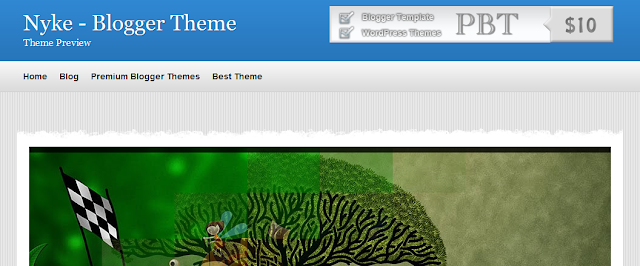
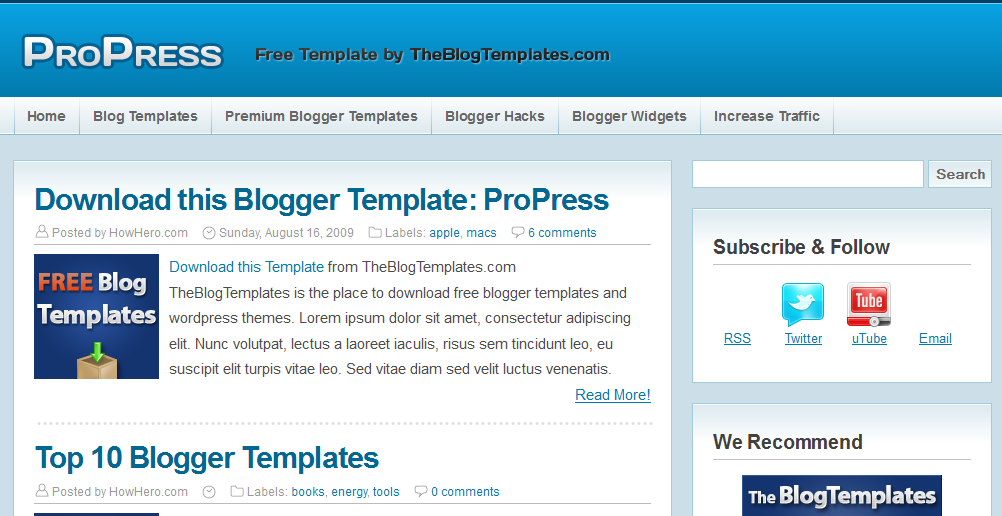
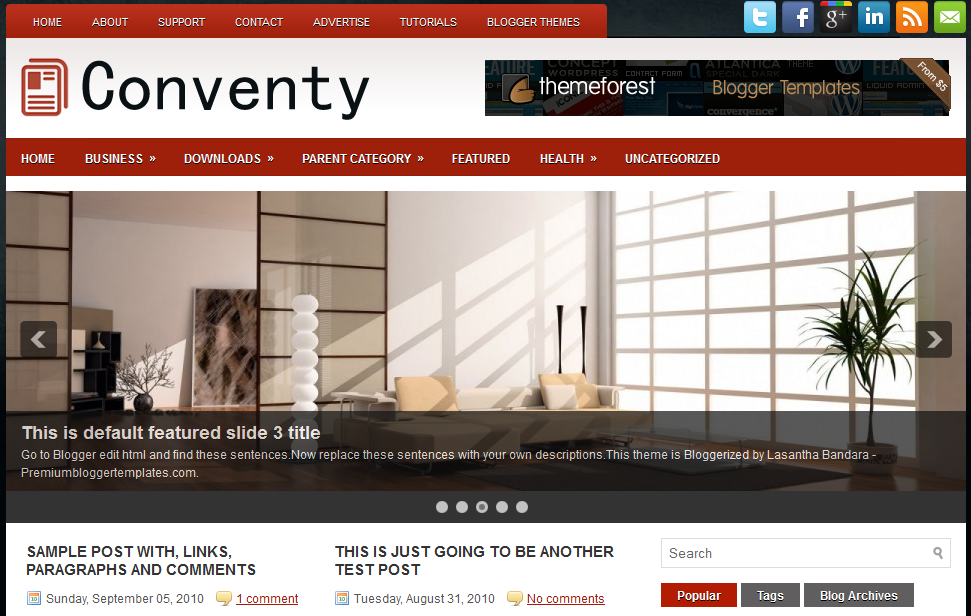

ul#navlist {display: inline;list-style: none;}ul#navlist li {float: left;width: 60px;height:60px;}ul#navlist li a {width: 50px;height:50px;padding:5px;display:block;color:#fff;text-decoration: none;font-size:7pt;font-family:arial;line-height:50px;text-align:center;border-right:1px solid #fff;border-left:1px solid #fff;border-top: 5px solid #fff;border-bottom: 5px solid #fff;background: #003663;}ul#navlist li a:hover {border-top: 5px solid #004a80;border-bottom: 5px solid #004a80;background:#004a80;font-size:9pt;font-weight:bold;}


And replace tripsontricks with your twitter username<!-- Twitter Follower Box -->
<script type='text/javascript'>
function fanbox_init(screen_name){document.getElementById('twitterfanbox').innerHTML='\<iframe name=\"fbfanIFrame_0\" frameborder=\"0\" allowtransparency=\"true\" src=\"http://s.moopz.com/connect.html?user='+screen_name+'\" class=\"FB_SERVER_IFRAME\" scrolling=\"no\" style=\"width: 295px; height: 250px; border-top-style: none; border-right-style: none; border-bottom-style: none; border-left-style: none; border-width: initial; border-color: initial; \"\>\<\/iframe\>';}
</script>
<div id="twitterfanbox"></div><script
type="text/javascript">fanbox_init("tripsontricks");</script
type="text>
<!-- End Twitter Follower Box -->

| Photo credit: anitapatterson from morguefile.com |

 Nofollow is the latest HTML attribution to stop the spammer to get free page-rank by Google. It stops the page rank flow from going to sites you choose. But that would be pretty odd thing to do when linking to someone by telling them they are not trustworthy. You should definitely start using no follow tag if you don't want to mark yourself as a spammer to Google. There are lot of confusion about how you should use nofollw tag to keep yourself safe; so in this article I will discuss what is nofollow tag, how to use it, what is it's purpose and concerns.
<a href=”Your URL”>URL TEXT</a>
<a href=”Your URL” rel=”nofollow”>URL TEXT</a>

 |
| Photo Credit: 3rdworldman from morguefile.com |


